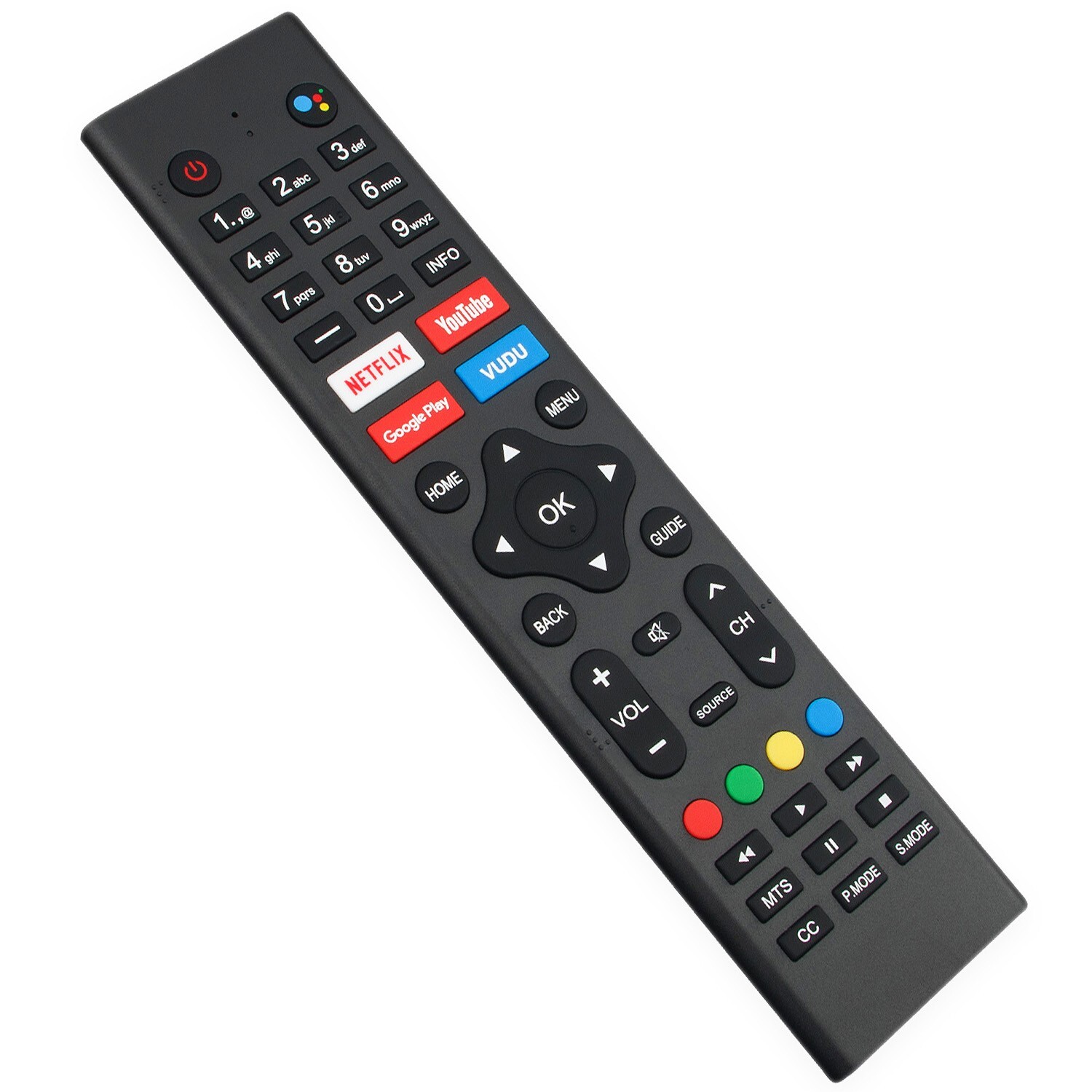
New Voice Replace Remote for RCA RTAU6504 Smart 65 Inch Android TV
USD $24.99
Condition : New
Free Shipping
{{variant_type_name}} :

Notify me when the price drops
We will email you if we find a lower price on this product!
New Voice Replacement Remote Control Applicable for JVC Android TV
Please pair it with your TV before use!Pairing Steps:1. Press the "HOME" and "LEFT" buttons at thebottom of the remote control for 5 seconds.2.When the LED send the pairing signal to the TV anddisplay the information of the remote control onthe right side of the screen.3.Press the OK button to display theIf the paired is displayed, the connection issuccessful.4. If the couldn't pair appears, the connection fails.Wait 30 seconds and then press the "HOME" and"LEFT" buttons at the bottom of the remote controlfor 5 seconds to repeat the previous steps.5.Press BACK or EXIT button return to the previous menu.
Compatible with below JVC TV models:RTAU6504
Power Supply: 2X 1.5V AAA Alkaline Battery
Package Content:1X Remote Control
Please pair it with your TV before use!Pairing Steps:1. Press the "HOME" and "LEFT" buttons at thebottom of the remote control for 5 seconds.2.When the LED send the pairing signal to the TV anddisplay the information of the remote control onthe right side of the screen.3.Press the OK button to display theIf the paired is displayed, the connection issuccessful.4. If the couldn't pair appears, the connection fails.Wait 30 seconds and then press the "HOME" and"LEFT" buttons at the bottom of the remote controlfor 5 seconds to repeat the previous steps.5.Press BACK or EXIT button return to the previous menu.
Compatible with below JVC TV models:RTAU6504
Power Supply: 2X 1.5V AAA Alkaline Battery
Package Content:1X Remote Control
Price type
IN STOCK
OUT STOCK





 .
.
